News Ticker

Menu

Browsing "Older Posts"

Browsing Category "Web Design"

37 Ways to Make Your Blog Awesome and Standout [Ultimate Guide]

Tuesday, March 31, 2015 / No Comments
We discuss traffic generation, and monetizing traffic a lot here on HotShot Blogger, but  with over 152,000,000 blogs on the internet, I think its time we share some ideas on how to make your blog awesome, and really standout. We’re all competing for our viewers attention and so I've compiled these 37 ways to make your blog awesome and standout.

These are ideas that you should be able to implement right away. Like many of my lists, these are not in any particular order of importance.
1. Love what you’re doing – If you don’t love the subject that you’re blogging about, find one that you are.
2. Be an Active Member – This should go without saying, but if someone posts a question, answer it. If you’re doing Social Media, the same applies. You should be accessible, and as active as you can be.
3. Breakup large articles with appropriate headings, and images. Remember, a picture is worth a thousand words.
4. Content is King. Live by that rule. Over-optimized content is no fun to read, and will not build the following that you’re looking for. Your focus should be great content.
5. Convert some of your how-to articles into short videos. To get the most views you should try to keep them under 3mins when possible.
6. Try to keep adverts to a minimum. Sure, we all know that making money is important, but things like flashy ads, or pop-ups will drive away your audience in droves. This is an example of making your blog standout for the wrong reasons.

Best Color Palette Tools for Web and Graphic Designers

Friday, March 27, 2015 / No Comments
Best Color Palette Tools for Web and Graphic Designers
As a web or graphic designer you must have a keen sense of color combinations and feel which colors look good together and which don’t. Anyway, even with this great skill in color combining, you may find yourself in situations when you just feel less inspired. That’s when these best color palette tools come in handy!
These 20 best color palette tools will help you choose and create the best color palettes for your graphic or web designs. Choose the one that is perfect for you and start using it! Enjoy!

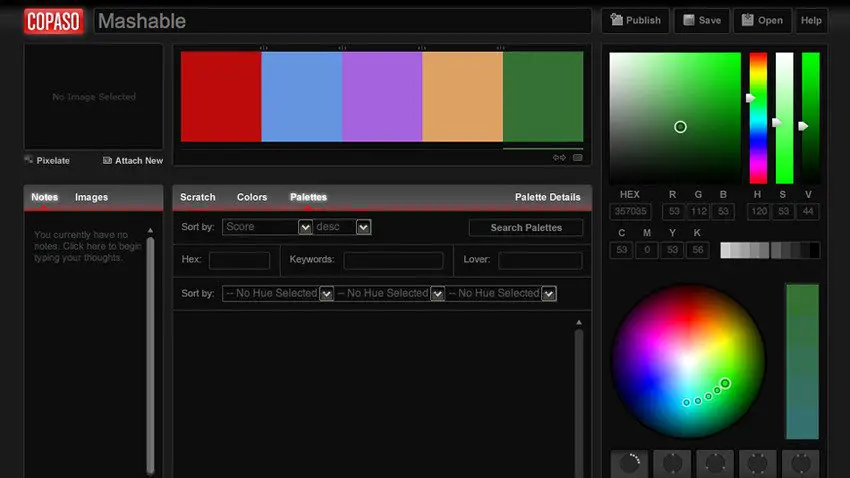
COLORlovers – ColorPaletteSoftware

COLOURlovers is a creative community where people from around the world create and share colors, palettes and patterns, discuss the latest trends and more!
COLORlovers

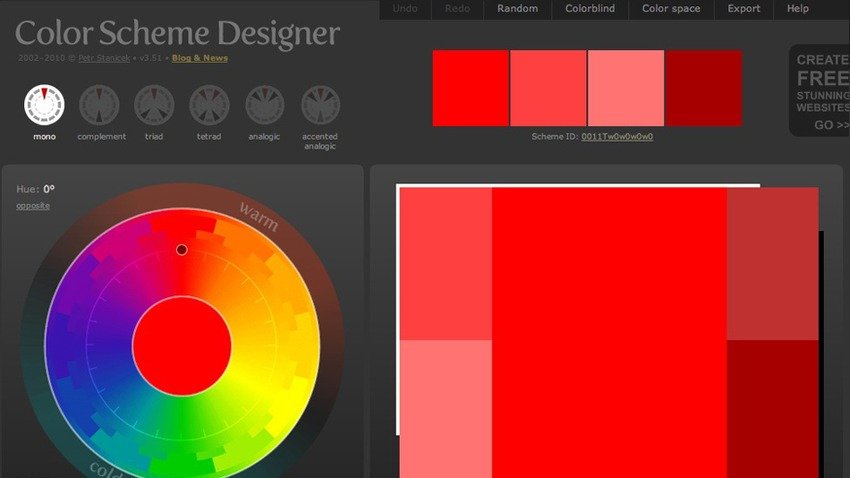
Color Scheme Designer

This is a designer tool for creating color combinations that work together well. Generate matching color schemes like never before!

Color Scheme Designer

Color Blender

Main Difference Between HTTP and HTTPS

Tuesday, March 24, 2015 / No Comments
Whenever you access a website, it begin with “HTTP” or “HTTPS“. It’s just an “S” the most, however it makes a biggest difference and it is necessary to know the specifications to find out if the navigation, in particular webpage is safe or not.


HTTP (Hyper Text Transfer Protocol) is a protocol, i.e. a certain rule that lets your computer to exchange data with a server that hosts a website. This means once connected using this protocol, machines can send and receive any text content – the codes that result in the web page accessed via the web browser.

The issue with HTTP is that in Wi-Fi networks or other favorable connections to phishing (wire fraud) and hackers, malicious people can cross the road and intercept data transmitted relatively ease. Hence, the HTTP connection is considered as insecure.

HTTPS (Hyper Text Transfer Protocol Secure), which inserts a layer of protection in data transmission between your computer system and the web server. On sites with HTTPS address, communication is encrypted, tremendously increasing the data security. It is as if client and web server talked a language that only the two understood, making it difficult to intercept the information.

40 Intricate Weave Patterns For Your Creative Design

Saturday, March 21, 2015 / No Comments

Weaving has been present since way back history. Along the centuries it has been passed on with impressive designs and patterns made with various colors and materials that gives beautiful works of art to people. And today as it reached the digital age, it is now also being used by graphic designers around the world in creating cool designs.

Today, we have gathered some of the most beautiful Weave Patterns that you can download for free. Scroll down and check them all out below. Come, take a peek, and choose your pick!

Pink ribbon weave
free pink weave pattern

No Sleep 2
free colorful weave pattern

20 Best Online Photo Editing Websites and Tools for Free

Tuesday, April 15, 2014 / No Comments
How good is Photoshop anyway, for doing quick tasks like changing colors or the background picture, it usually takes longer to boot up than it does to do all of the work, which is why I often prefer to work with online photo editing tools to help me manage those tasks quicker.

One of the most common uses that I know of is filters, many of the tools in this list will provide some ability to alter your photo effects, trough the means of custom and already known filters. I have also tagged the post as ‘free’, and so you can expect to use this tools at no charge, but some might require premium membership for full access.

Best Online Photo Editing Websites and Tools
Online Photoshop tools are not a stranger anymore, and it’s easier to learn something that does a specific set of functions, than something that requires months to master, trough continuous practice – I think those who’ve tried online editing software can agree with me on that note.

Make sure you’ve got Adobe Flash enabled, as most of these tools depend on Flash and will not work unless you’ve got it installed.

Pixlr

 This is the one I use quite often, it’s literally like an clone of Photoshop, online it’s available for free and online. The company also has a mobile app available for those who want to edit photos on their mobile devices. I mostly use this tool for resizing and cropping, as it offers some great tools to manage the quality of photos. Try it out, and see for yourself how feature rich it is.

The homepage links also lead to two separate tools, for fixing broken photos, and also for adding separate filters to photos. Whichever suits your needs at the time.

Another great photo editing tool for those who like to add a bit of style to their photos, as of recently – includes a tool that can help to make photo collages straight from your browser, really great and worth checking out. With a little bit of exercise and practice, this platform can become a great tool for creating photos with quotes and such, it has the right features for sure.

7 jQuery Plugins for Creating Customized Tooltips

Tuesday, April 08, 2014 / No Comments
Tooltips are everywhere, roll over this text and I’ll prove it to you. I do believe that for the most part, tooltips are a part of the web structure and make it that much more easy to navigate and understand.

On bigger projects, tooltips can sometimes be the core of a navigation system, and so they’re not just something that you can choose to have, or not to have. You’re given the choice of making tooltips the main part of your design.

The sad part, tooltips aren’t really popular on mobile devices, for the simple reason that there is no cursor, and so it makes it really hard to just roll over some text and see what it says. There is a lot of talk about hover effects on mobile devices, but it’s not my main topic of discussion, and I’ll leave it for later.

jQuery Plugins for Creating Customized Tooltips

I’m going to go over my absolute favorites in this post, and I’ve no reason to believe that I might have skipped yours, don’t worry and submit a comment to let the rest of the community know!

I’ll be publishing in the standard format of snapshot of the plugin, and some background info – all of these plugins provide demos on their official pages, I so no reason to reinvent the wheel.

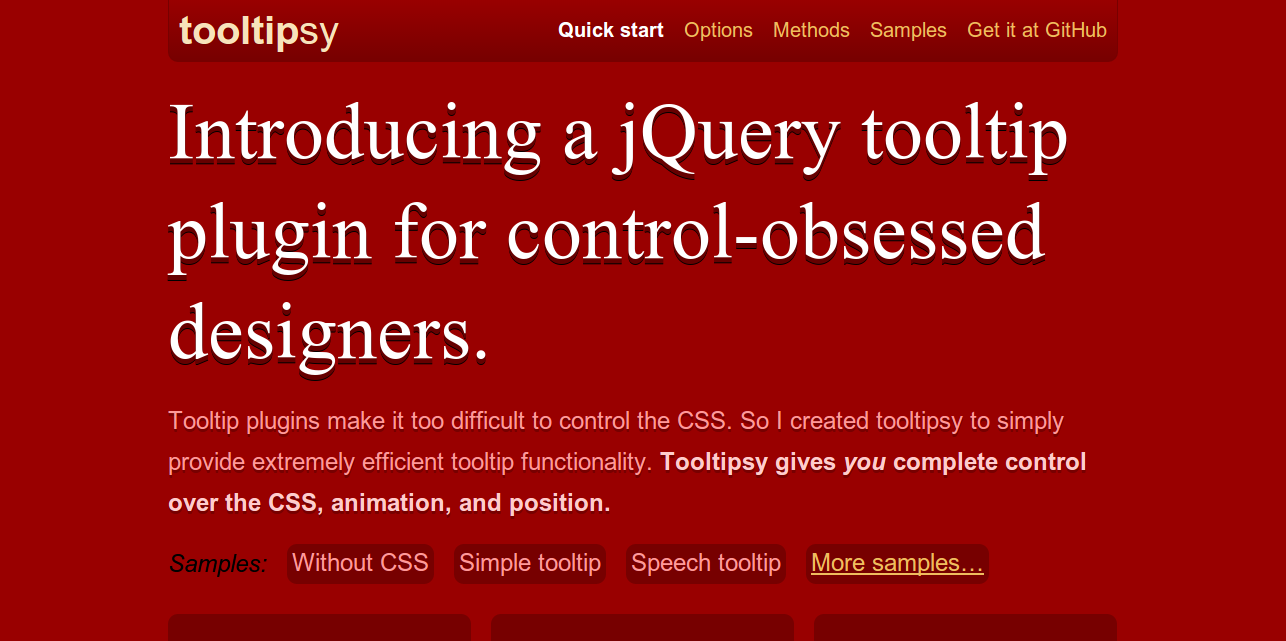
tipsy is a simple jQuery plugin for generating Facebook-style tooltips. It’s so good that major websites like Twitter are using it to power their tooltip system. I really like the simplicity of tipsy, and my own WordPress theme that I use provides a very similar style to tipsy.
Among the notable features you’ll find the ability to integrate it easily with forms, which can help to make signup process twice as easy.

qTip2 allows you to use not only regular textual content, but also complex HTML from other elements on the site. It can even pull content in from other pages via jQuery’s .ajax() functionality, and supports in-built titles and close button.
This is definitely one of the nicest tooltip plugins I’ve worked with, being able to iframe stuff from other sites within a tooltip is pretty crazy, and probably does come in handy. Though, I’m only able to think in terms of advertising.

I don’t think there is much to say about this plugin, other than it’s really ligheweight and packs a elegant look. Give it a go, it seems that JavaScript isn’t involved in the process.

Besides the insane bleeding edge design, it’s actually a very cool plugin for creating interactive and CSS native tooltips. You’re also able to use AJAX to make some cool stuff come together, I enjoyed the ‘flying’ tooltip example a lot.

I’m in love with the design and functionality of this plugin. I think the feature that stood out the most for me was the ability to add tooltips to icons / images, which can greatly enhance the engagement rate for the right website.
You can build interactive tooltips, as well as choose from several pre-made styles, in case you don’t feel like making one of your own.

PowerTip is a jQuery tooltip plugin with some advanced features like hover intent testing, tooltip queueing, and support for complex data. It also has that rarest of features in jQuery plugins, it’s not abandonware.
It might seem like there is a lot of stuff to learn at first, but it all comes together by the end of it. The reason the documentation is so complex is because you’re able to do a lot of interesting things with PowerTip, not to mention that it packs some serious features.

I had to include something fun and interactive, and I think that grumble is the perfect tooltip plugin for that. You can easily add a bubble to any element; configure its rotation on a 360 degree axis and define its distance from the centre of the element.
It also enables you to wrap those bubbles around a specified element, and then have that bubble rotate up and down, creating a really cool animation effect. Give it a spin on the demo page, I think you’ll love it.

Tooltips Plugins Built for jQuery
I’ve tried to keep it short and sweet, I hope these were of help and while it doesn’t look like a lot of variety, do believe me that each of these plugins can be configured to do something unique.

Best Tips for Beginner Web Designers to Start their Professional Career

Thursday, April 03, 2014 / No Comments
Web designing is fast becoming the choice of millions when it comes to choosing a career that will let people earn their living. Certainly, there are many of you reading this article for the very same reason. That’s why you are here! Web designing seems to be a career that becomes a great source of awe for people who are not into it. 
If you are a beginner who have finally decided to enter the field of designing but is wondering how to start the career in web designing you kind of need a helping hand that will let you take the first step with caution. As they say, taking the first step is difficult of all, the path becomes easy if you follow certain tips and tricks. Here, we will be helping you take that first step and start you career as a designer.
As a newcomer, you probably have questions and concerns regardless of your background, knowledge and creative skill. Don’t feel lost and read on as to what should be done by the newbies to enter into the design world.

Best Tips for Beginner Web Designers

1. Freelancing or Job : What would you choose?

First of all it is important to know few things about yourself. Ask yourself why do you want to go into this field? Would you want to freelance or go for a job?

2. Take the first step

As already mentioned, taking the first step is most difficult of all but that doesn’t mean giving up. Take risks, keep your mind open to new things, step on new territories follow your heart!

3. Make Your Strong Portfolio

Portfolios you all know are the great source to brand yourself and promote your services. If you have planned to enter into the design field I am sure its not decision taken vaguely, you might have tried your hands on something in this field. If you don’t have portfolio pieces, it is suggested to create side projects to add in your portfolio. Also, you can take a small project from your friend or an acquaintances.

4. Learn The Business

It is suggestive to learn all the aspects of the business side of the design world especially you are planning to go for freelancing. Having a solid grasp of the business side is one important element of starting a career in any field you want to leave aside just designing.

5. Follow People That Inspire You

Follow people you admire as it can serve as the constant source of inspiration. Expand your network through Twitter, Linkedin are great communities for designers. Follow great designers who have made their mark and inspire you.

6. Be original

Taking inspiration from others is good and checking out designs that motivate you definitely works but then that doesn’t mean you have to copy them. Have your personal style. Branding your portfolio, your e-mails, your resume and building your network will help you get know but its your work that speaks out. Get motivated, take inspiration and try enhancing your skills.